Creating Internal Tournaments
MatchGrid’s tournament system lets you create and manage complete tournament events with brackets, pool play, and automatic scheduling.
[!INFO] Tournament creation is available on Silver tier and above. It includes bracket generation, seeding, and schedule integration.
Tournament Formats
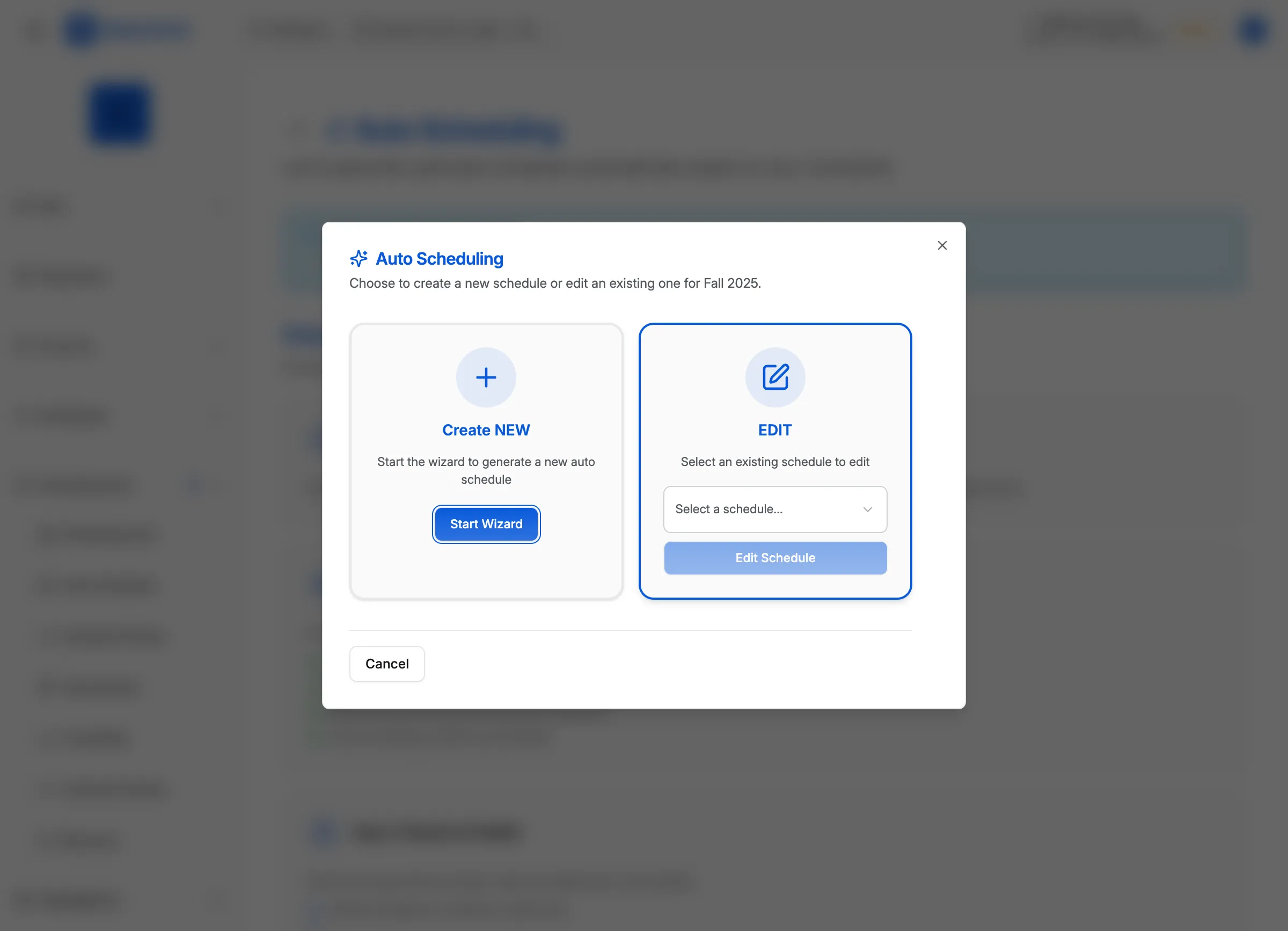
MatchGrid supports multiple tournament formats:
| Format | Description | Best For |
|---|---|---|
| Single Elimination | One loss and you’re out | Quick playoffs, championship brackets |
| Double Elimination | Must lose twice to be eliminated | Competitive tournaments, more games |
| Pool Play | Teams divided into pools, top advance | Large tournaments, qualification rounds |
| Round Robin | Everyone plays everyone | Small groups, league finals |
| Swiss System | Paired by similar records | Large fields, fewer rounds |
| Hybrid | Pool play + elimination bracket | Major tournaments, tiered competition |
Creating a Tournament
Step 1: Basic Information
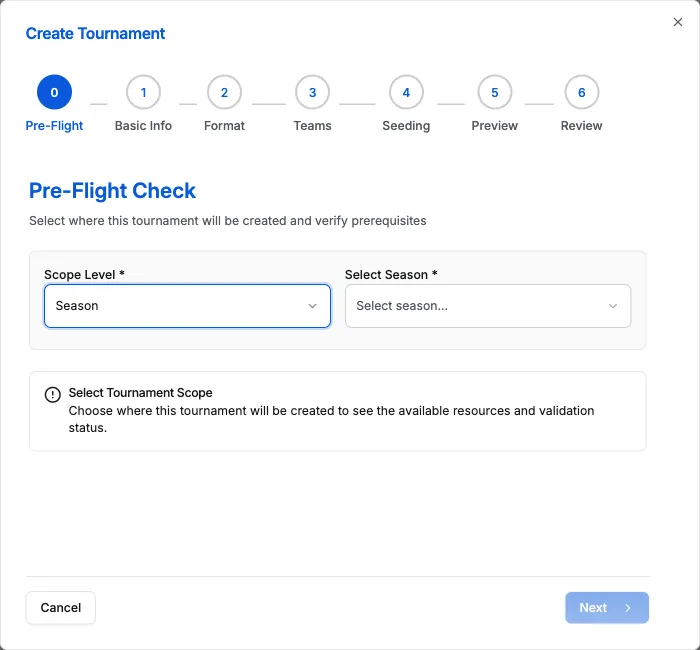
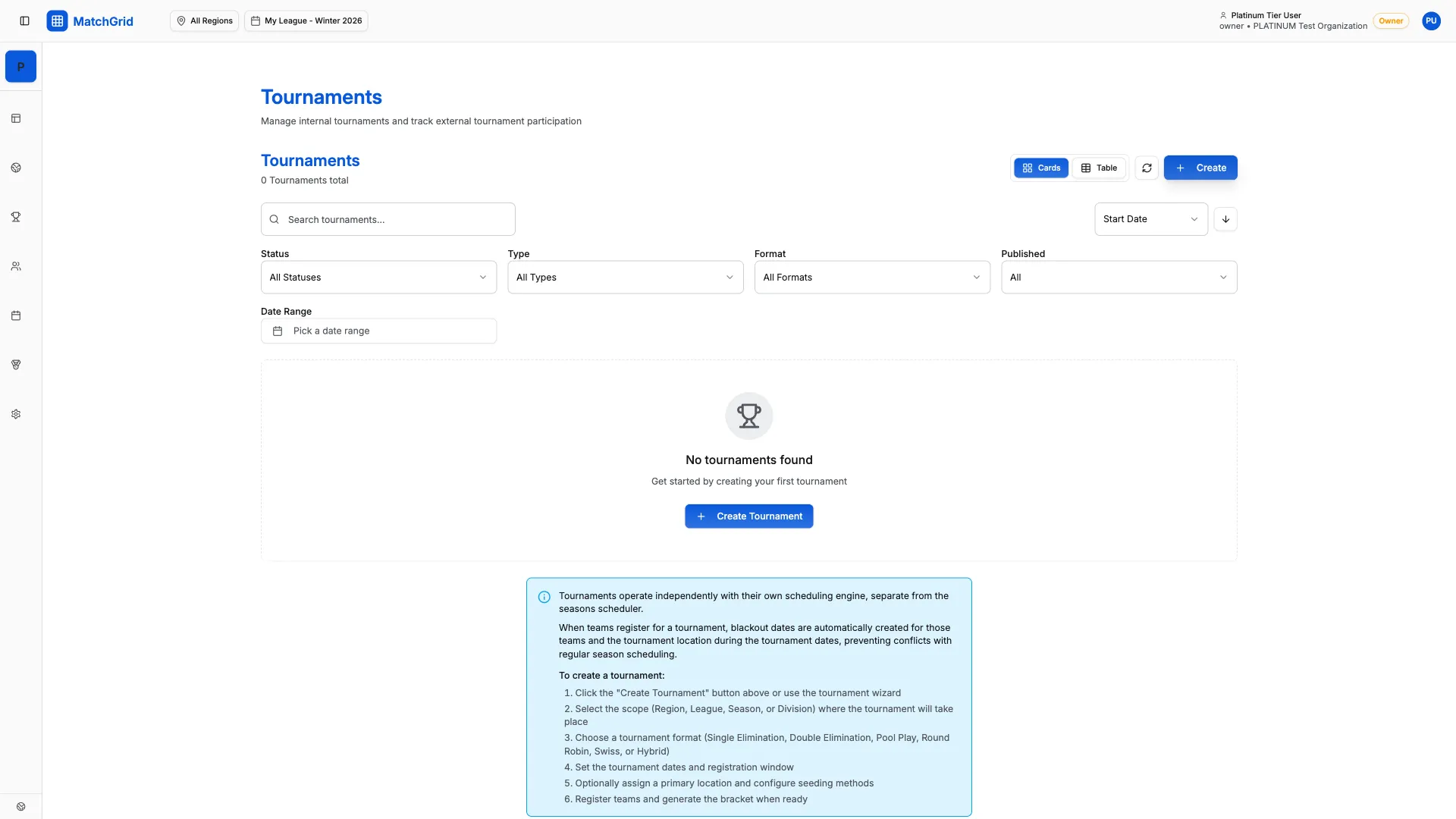
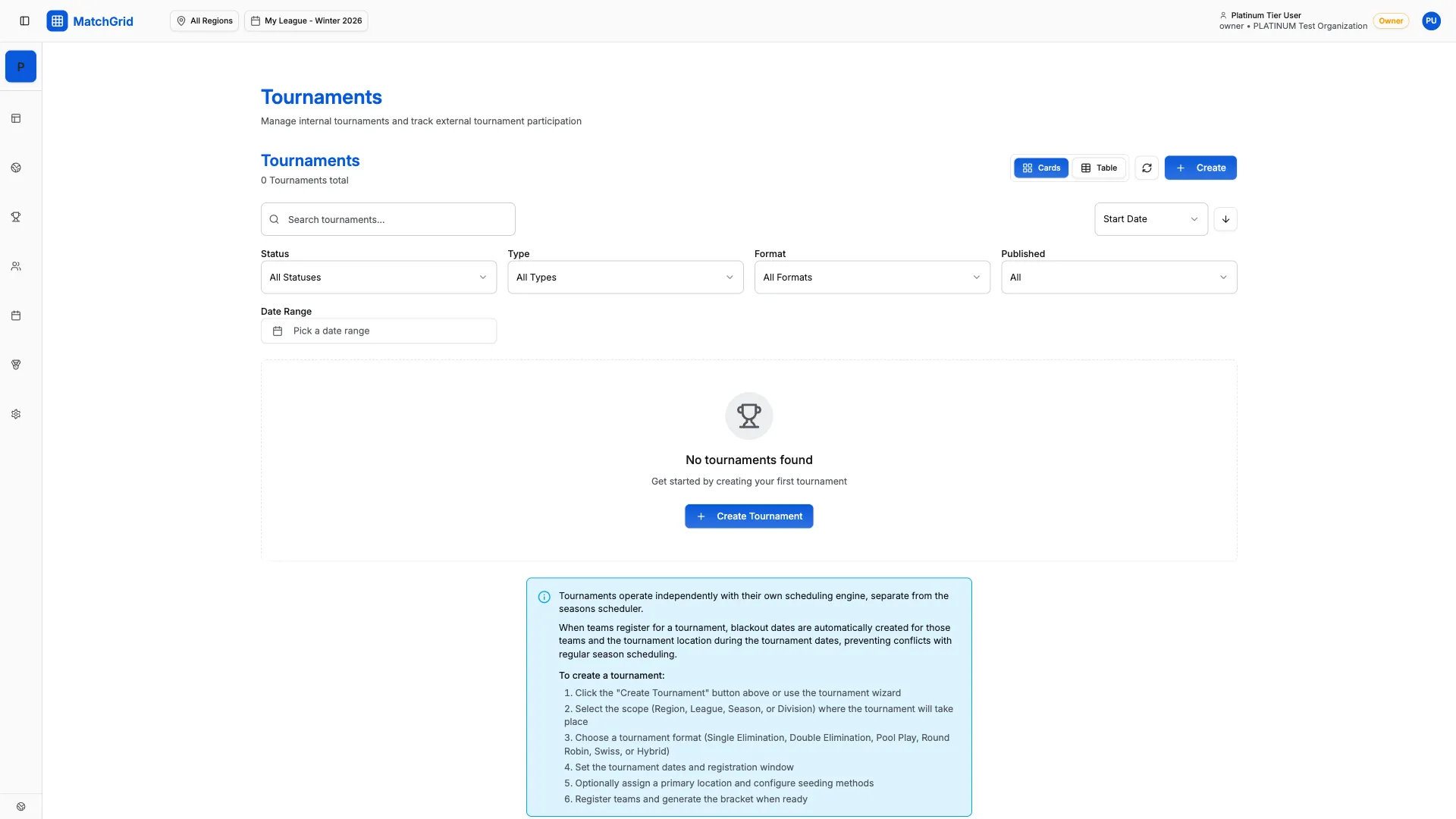
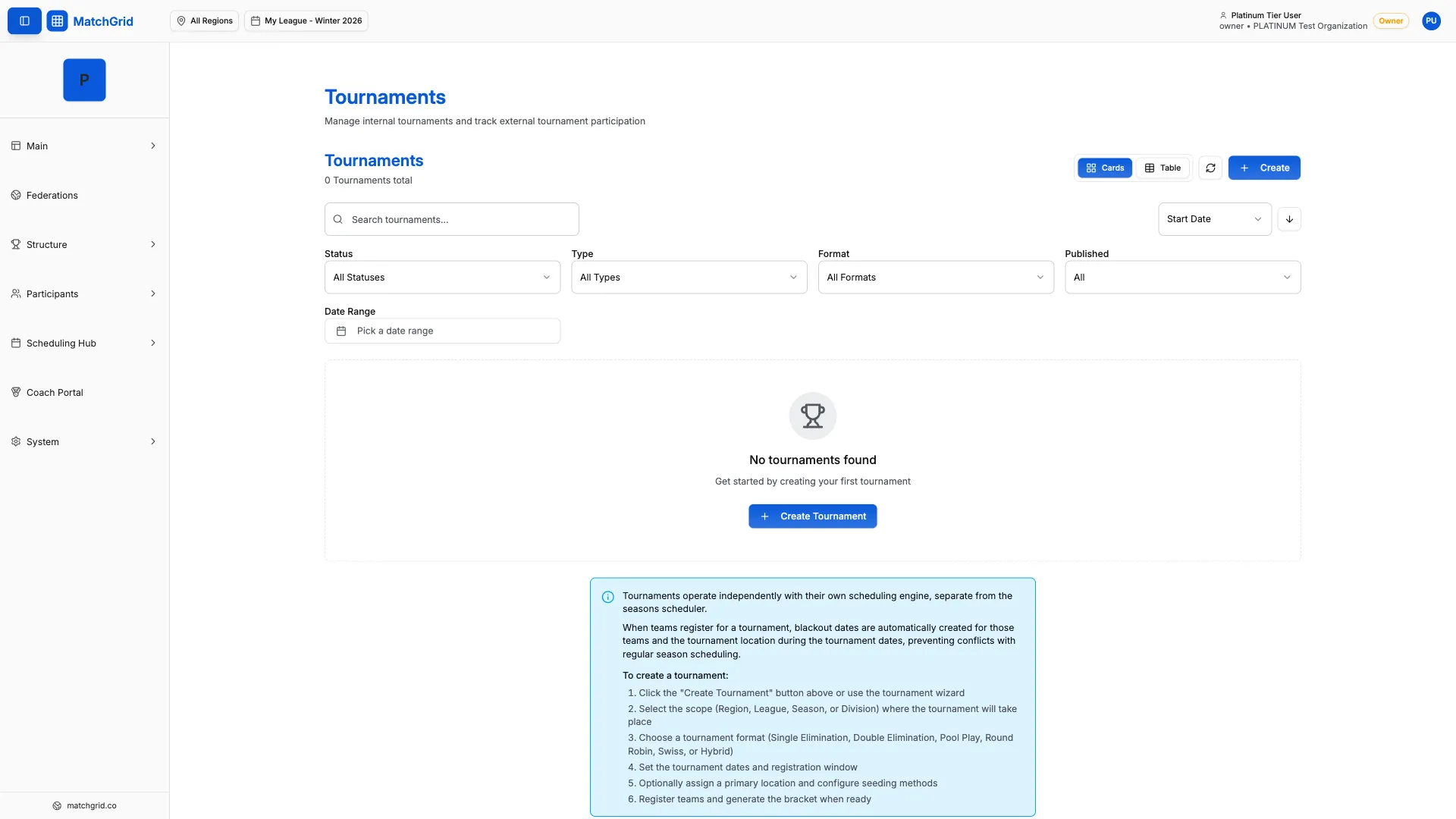
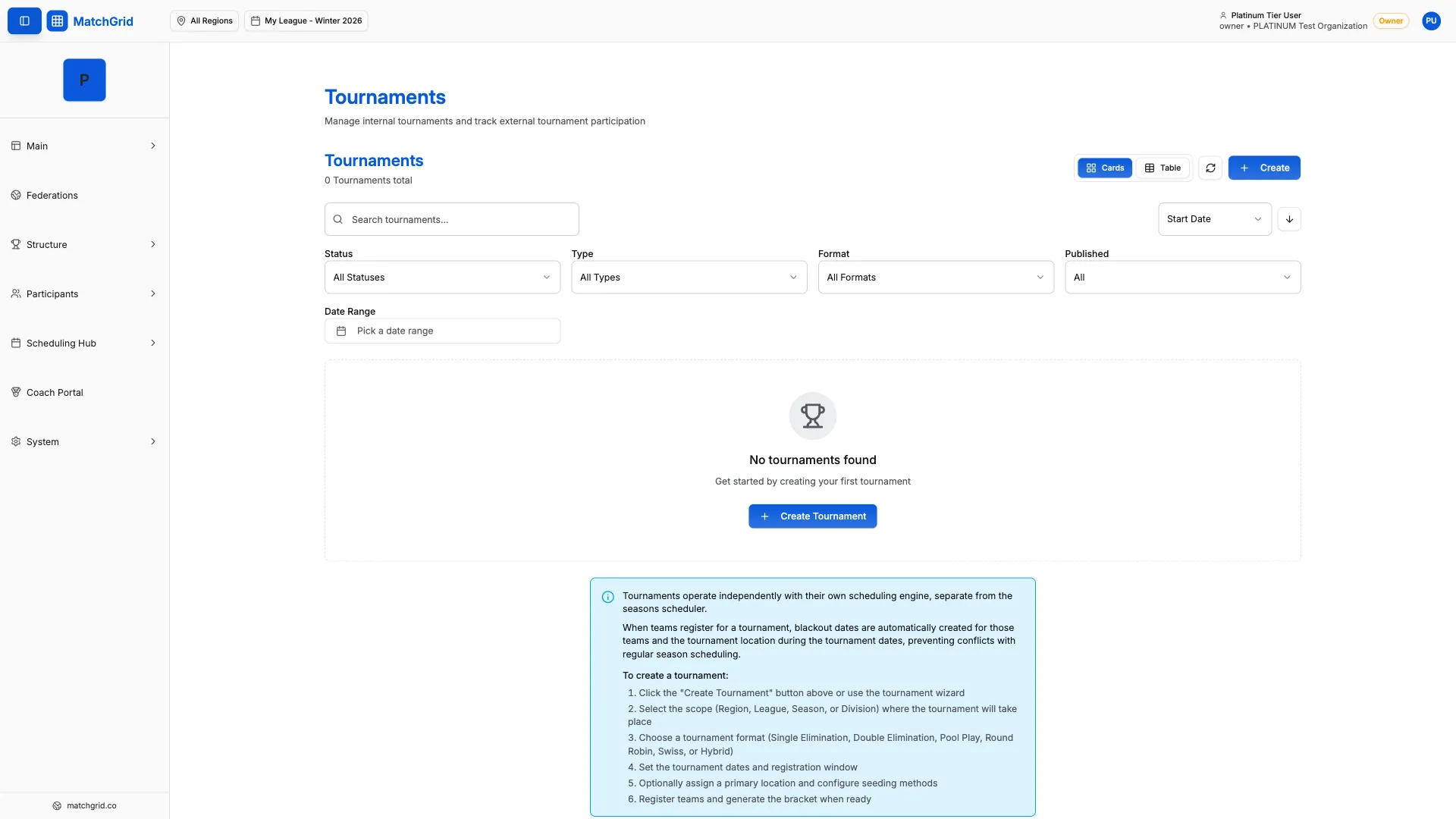
- Navigate to Tournaments in the sidebar
- Click Create Tournament
- Enter tournament details:
- Name: Tournament title
- Dates: Start and end dates
- Location: Primary venue
- Description: Details for participants
Step 2: Choose Format
Select your tournament format and configure options:
For Single/Double Elimination:
- Bracket size (auto-calculated from teams)
- Bye handling (top seeds or random)
For Pool Play:
- Number of pools
- Teams per pool
- Teams advancing per pool
[!TIP] For hybrid tournaments, configure both pool play settings AND the playoff bracket that follows.
Step 3: Select Teams
Choose which teams participate:
- All Teams: Include all teams in division
- Qualified Teams: Based on season record
- Manual Selection: Hand-pick participants
- Open Registration: Teams sign up themselves
Step 4: Configure Seeding
Determine initial bracket positions:
| Seeding Method | How It Works |
|---|---|
| By Record | Use season win/loss record |
| By Points | Use league standings points |
| Manual | Admin sets all seeds |
| Random | Random assignment |
Step 5: Schedule Configuration
Set up the tournament schedule:
- Daily start/end times: Operating hours
- Match duration: Time per match
- Warmup time: Pre-match preparation
- Court turnover: Time between matches
Bracket Management
Viewing the Bracket
The bracket view shows:
- All matches with team assignments
- Scheduled times and courts
- Results (when entered)
- Advancement paths
Entering Results
- Click on a completed match
- Enter scores for each set/game
- Save results
- Winners automatically advance
[!WARNING] Once results are entered and saved, changing them affects all downstream bracket matches. Use caution when editing.
Pool Play Management
For pool play tournaments:
Pool Standings
Each pool shows:
- Win/loss records
- Points (if applicable)
- Head-to-head tiebreakers
- Advancement status
Completing Pool Play
After all pool games are complete:
- System calculates final standings
- Advancing teams populate the bracket
- Playoff schedule becomes available
Publishing Tournament Schedules
When ready to share:
- Review all match assignments
- Click Publish Schedule
- Teams receive notifications
- Public schedule link is generated
Best Practices
- Lock teams early: Finalize participants before creating bracket
- Allow buffer time: Don’t schedule matches too tightly
- Plan for delays: Build in contingency time
- Enter results promptly: Keep bracket current for spectators
- Communicate changes: Notify teams of any schedule adjustments