Getting Started with MatchGrid Mobile
The MatchGrid mobile app gives coaches, players, and parents quick access to schedules, notifications, and team information from their phones.
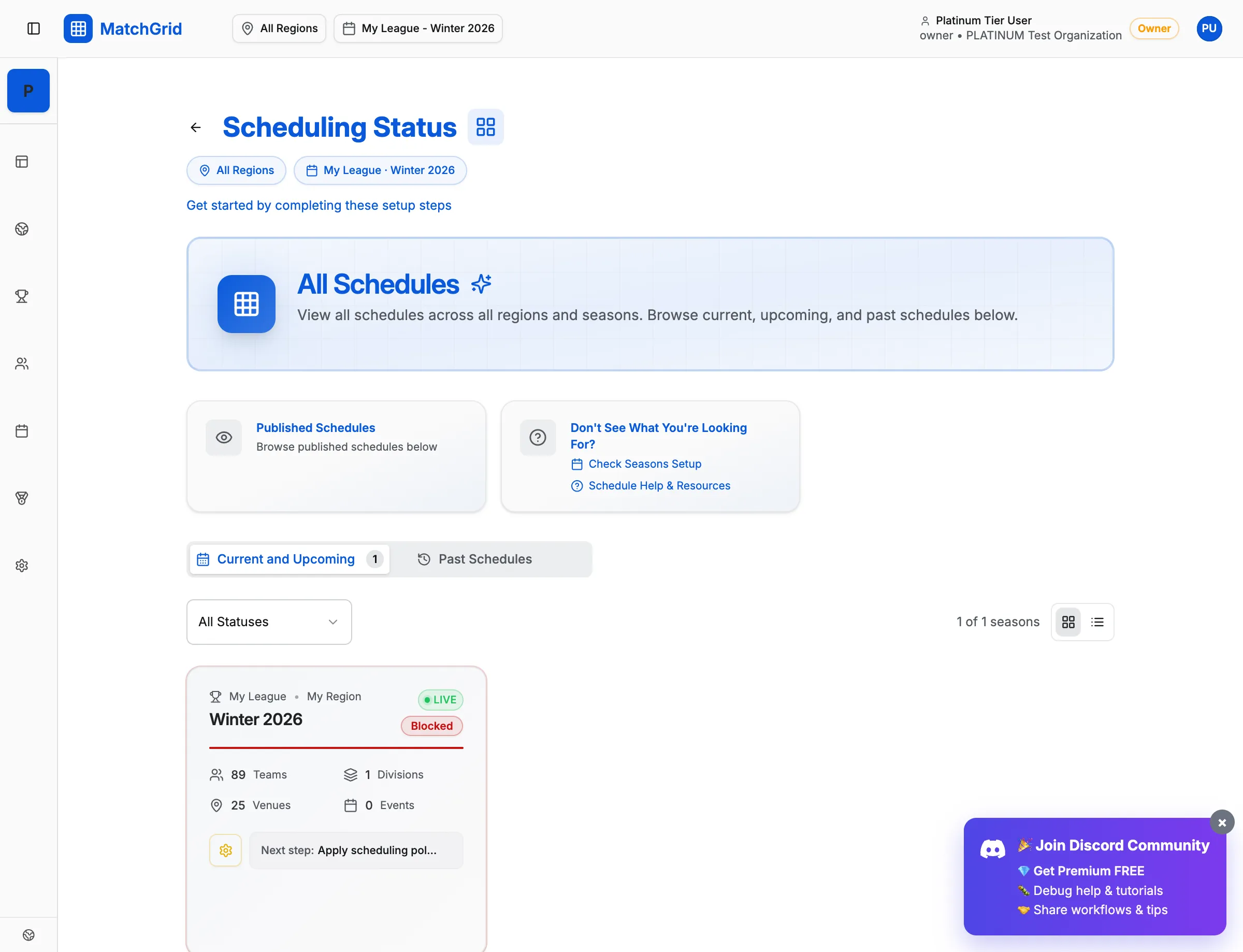
Download the App
iOS (iPhone/iPad)
- Open the App Store
- Search for MatchGrid
- Tap Get to download
- Open the app and sign in
Android
- Open Google Play Store
- Search for MatchGrid
- Tap Install
- Open the app and sign in
[!INFO] Use the same email and password you use on the web version. Your data syncs automatically.
Mobile App Features
View Schedules
- See upcoming games for your teams
- Filter by team, date, or location
- Get directions to venues with one tap
Receive Notifications
- Game reminders before events
- Schedule change alerts
- Cancellation notices
Check Standings
- View league standings
- See team records and stats
- Track tournament progress
Manage Availability (Coaches)
- Mark team blackouts
- Report conflicts quickly
- Communicate with league admins
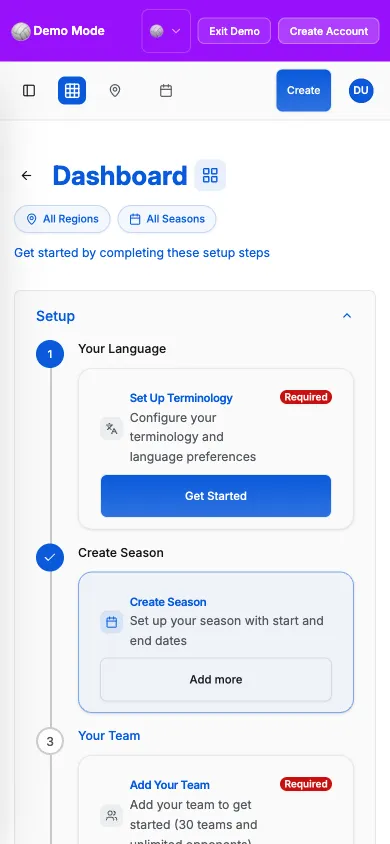
Setting Up Push Notifications
Stay informed with push notifications:
- Open the MatchGrid app
- Go to Settings → Notifications
- Enable the notifications you want:
- Game reminders (1 hour, 1 day before)
- Schedule changes
- New events added
- Score updates
Switching Between Teams
If you’re associated with multiple teams:
- Tap the team selector at the top
- Choose the team to view
- Schedule updates to show that team’s games
Offline Access
The app caches your schedule for offline viewing:
- Recent schedules available without internet
- Changes sync when you’re back online
- Look for the sync indicator to confirm data is current
[!TIP] Open the app while connected to Wi-Fi before heading to a venue with poor cell service.
Troubleshooting Mobile Issues
Not receiving notifications?
- Check your phone’s notification settings for MatchGrid
- Ensure notifications are enabled in the app
- Check that “Do Not Disturb” isn’t blocking alerts
App won’t sync?
- Pull down to refresh
- Check your internet connection
- Sign out and sign back in
Wrong team showing?
- Verify your account is linked to the correct organization
- Check with your league admin if teams are missing