Welcome to MatchGrid
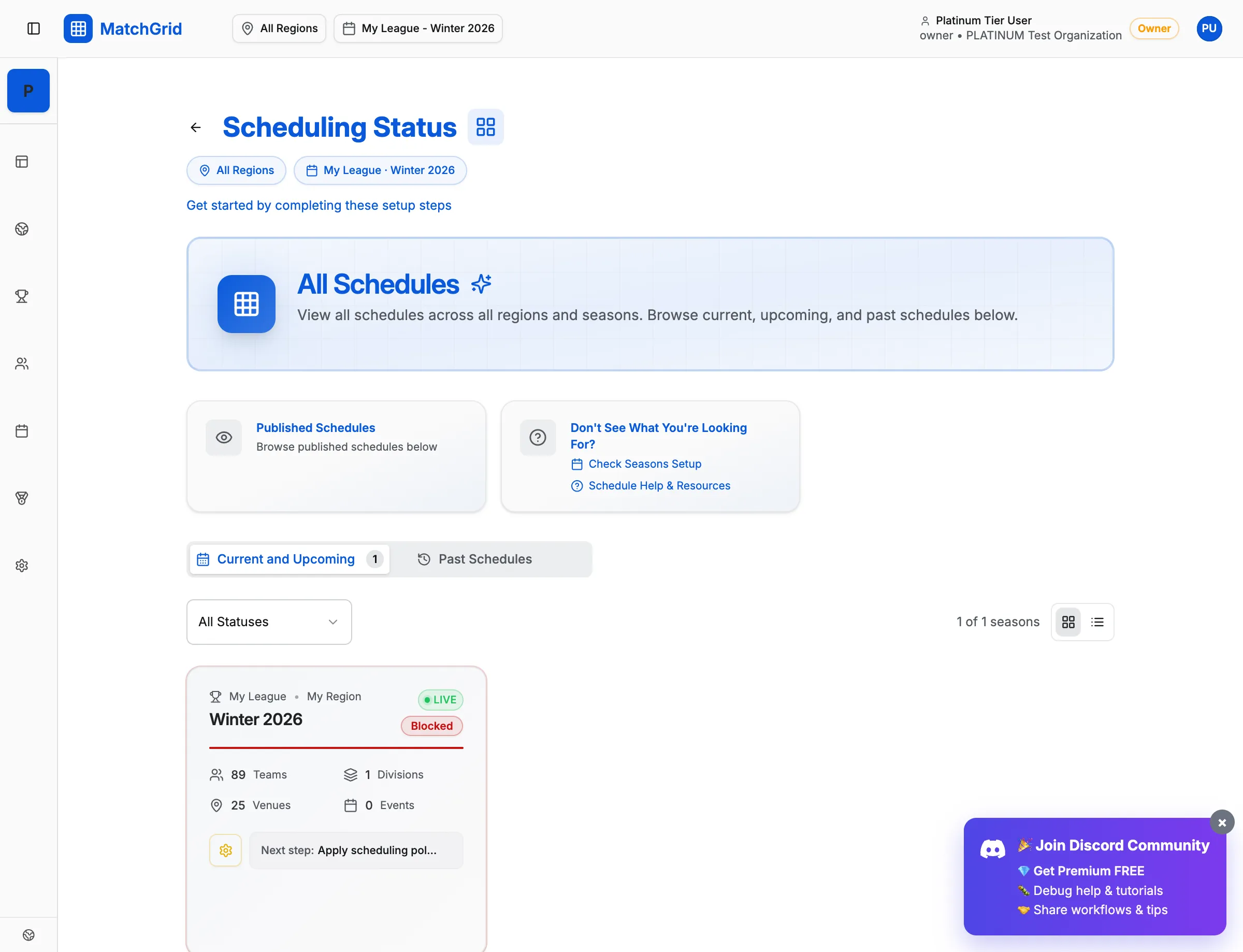
MatchGrid is an AI-powered scheduling platform designed to eliminate the chaos of coordinating sports schedules across multiple teams, venues, and organizations. Whether you’re managing a high school conference, club league, or regional tournament, MatchGrid helps you create conflict-free schedules in minutes instead of hours.
What MatchGrid Does
MatchGrid automates the complex logic of sports scheduling while respecting your constraints:
- AI-Powered Scheduling: Our constraint-based engine considers blackout dates, travel limits, venue availability, and team preferences to generate optimized schedules automatically.
- Conflict Detection: Catch double-bookings, venue conflicts, and scheduling violations before they become problems.
- Travel Optimization: Balance road trips fairly across all teams to minimize travel burden and maximize home-court advantage equity.
- Multi-Region Support: Manage schedules across conferences, districts, or regions from a single dashboard.
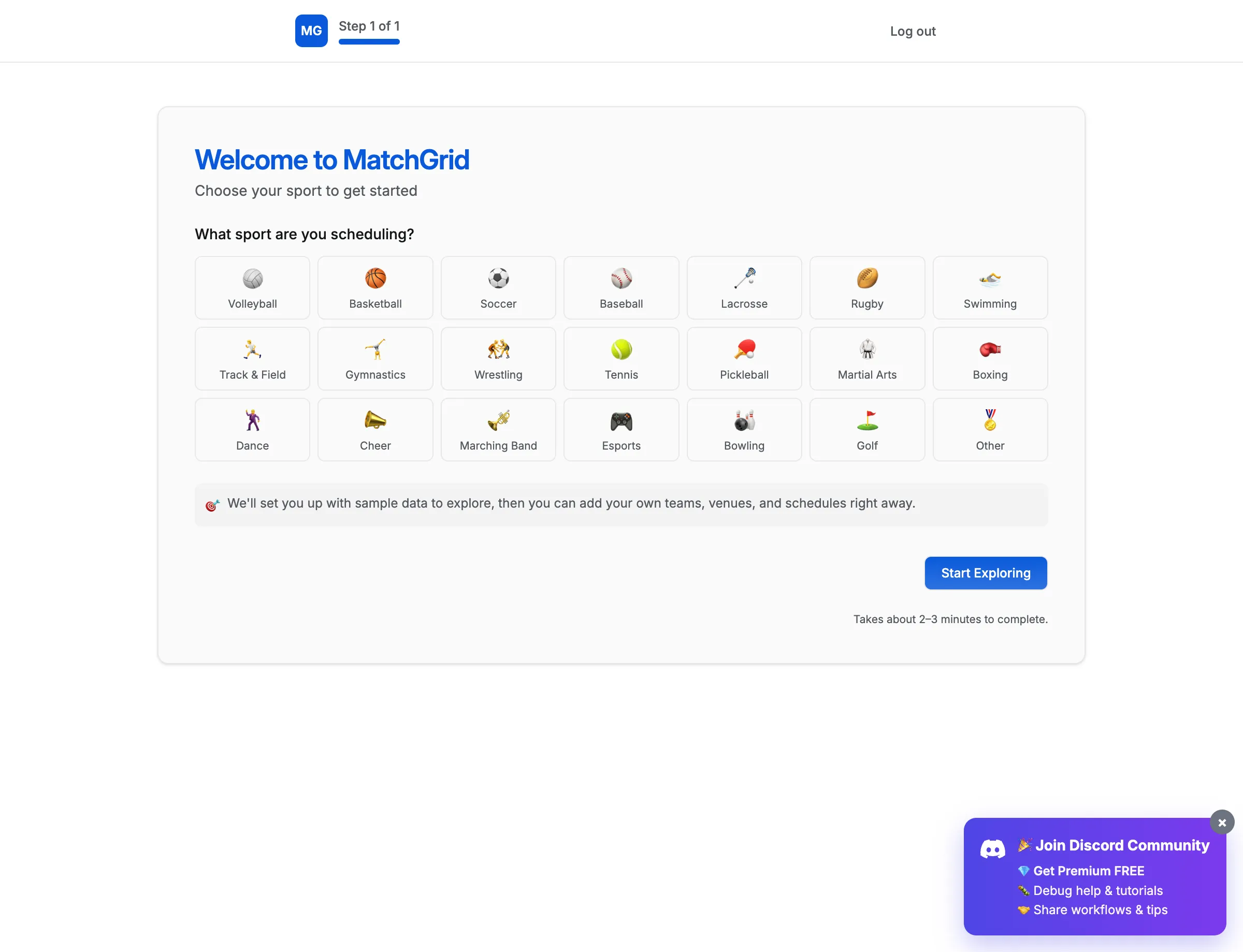
[!TIP] Start with the Quick Start flow when you first sign in. It takes less than 2 minutes to configure your sport and terminology preferences, then auto-creates your workspace with sample data so you can explore immediately.
Your First Steps
After signing up, here’s the recommended path to get scheduling:
- Complete Quick Start — Select your sport to auto-configure terminology (e.g., “Games” vs “Matches”, “Schools” vs “Clubs”)
- Add Your Teams — Import from a spreadsheet or create them manually
- Set Up Locations — Define your venues and courts with availability windows
- Configure Blackouts — Mark holidays, school closures, and other off-days
- Generate Your Schedule — Let the AI scheduler do the heavy lifting
Two Ways to Schedule
MatchGrid offers two scheduling approaches:
Manual Track
Build your schedule by hand using the drag-and-drop calendar. Perfect for simple leagues or when you need precise control over every matchup.
Auto-Scheduler Track
Define your constraints and preferences, then let the AI generate an optimized schedule. Ideal for complex leagues with many teams and constraints.
[!INFO] Most users start with the Auto-Scheduler to generate a baseline, then fine-tune with manual adjustments. You can switch between modes anytime.
Getting Help
Look for the ? icon in the bottom-right corner of any page to access context-sensitive help articles. You can also search our help center or contact support directly from within the app.
Ready to get started? Head to the dashboard and follow the setup workflow.