Understanding Travel Limits
MatchGrid stores travel limits in miles and surfaces them directly in the team dialog.
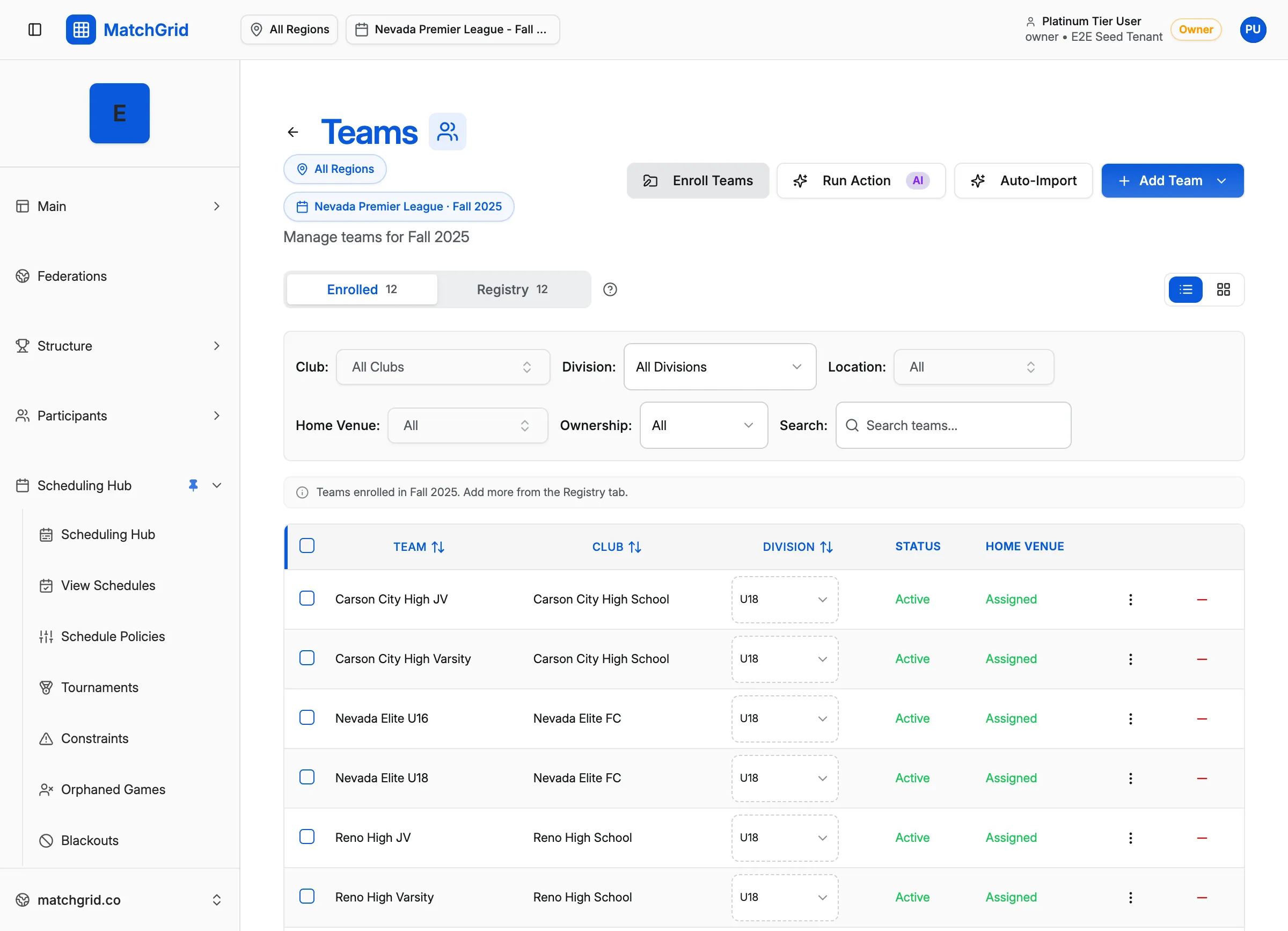
Where to set travel limits
- Go to Teams
- Click Add Team (or edit an existing team)
- In the team dialog Details tab, find Travel Limits
The fields are:
- Weekday Max Miles
- Weekend Max Miles
Inherited values vs overrides
If a team is inheriting travel limits, the inputs show placeholders like:
50 (inherited)150 (inherited)
To remove a team-specific override, click the Clear override icon next to the field.
Bulk updates
If you are updating many teams at once, MatchGrid includes a bulk dialog titled:
- Adjust Travel Limits for Selected Teams
It lets you set Weekday Max Miles and Weekend Max Miles and then click Update Team(s).