Understanding the Hierarchy
MatchGrid organizes your data in a hierarchy so settings and defaults can flow from higher levels down to teams and locations.
Common hierarchy (what most leagues use)
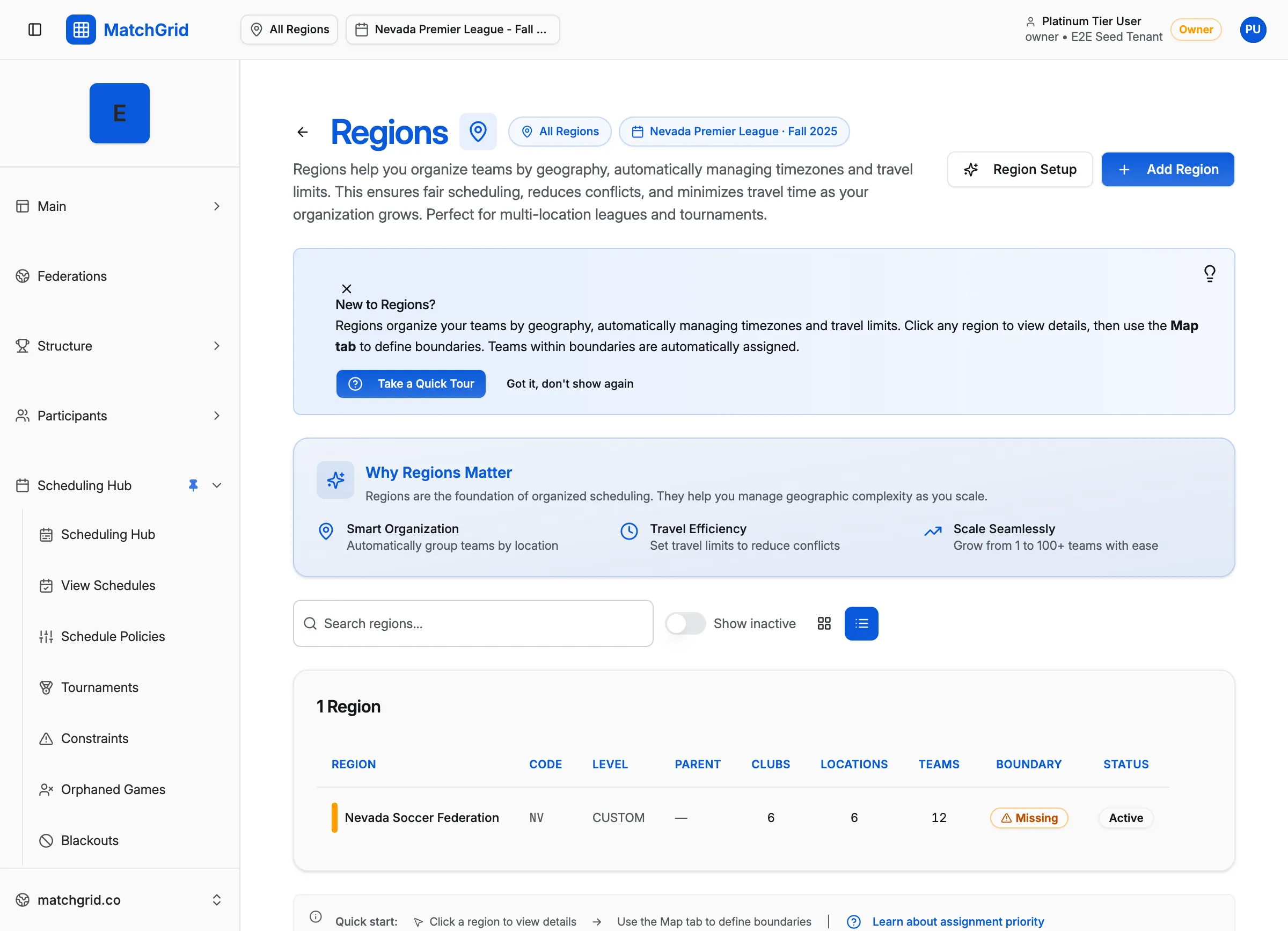
Region
└── Season
    └── Club
        └── Team
            └── Location
                └── Court
Depending on your configuration, you may also see levels like League or Division.
Terminology (labels can change)
Your organization can rename labels (for example, “Club” → “School”, “Location” → “Venue”) so the UI matches your sport.
To review or change these labels:
- Go to Settings → Terminology
- Adjust labels and (if enabled) hierarchy visibility options