Setting Team Preferences
Team preferences live on each team and are edited from the team create/edit dialog.
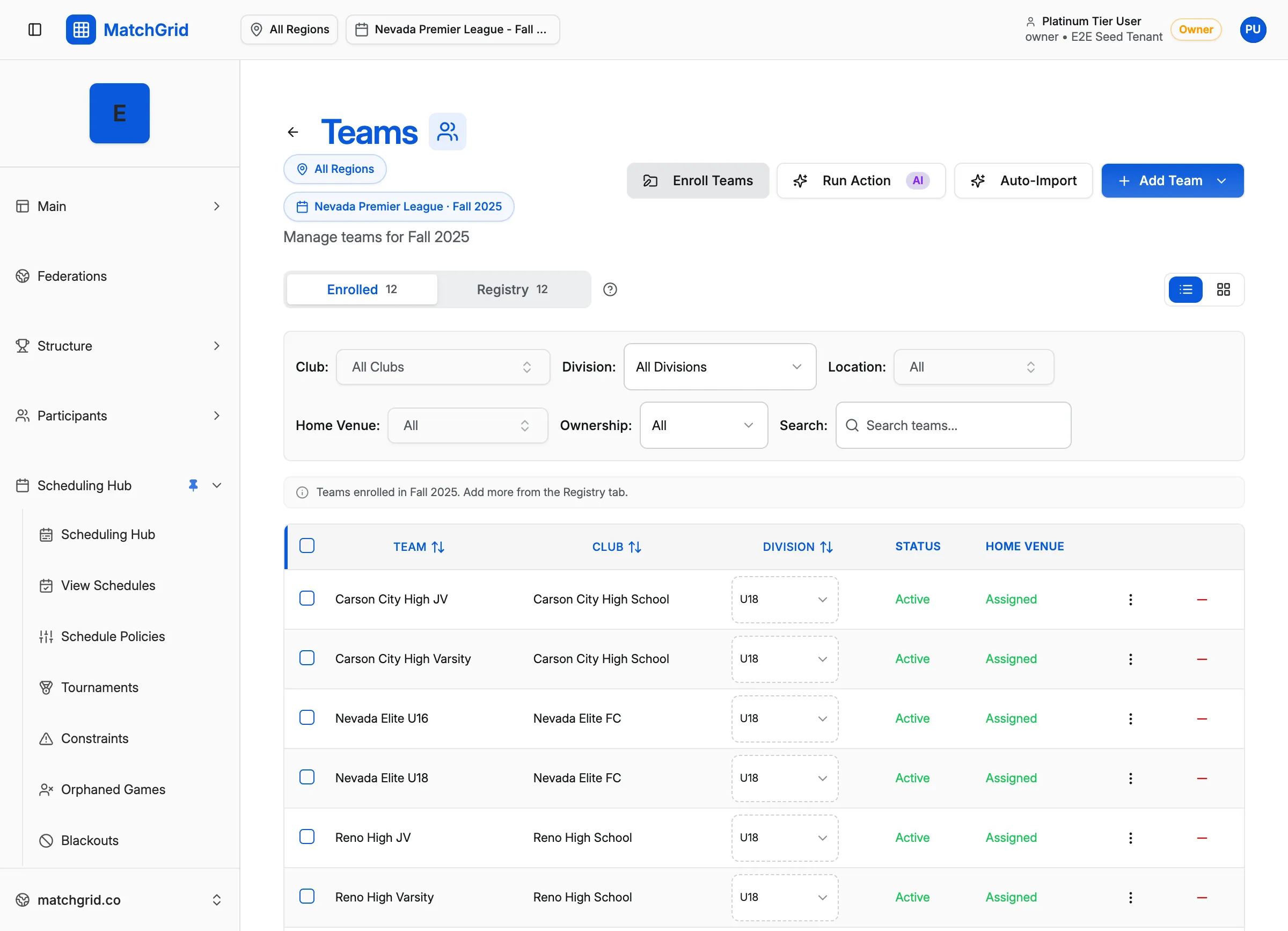
Open the preferences tab
- Click Teams in the sidebar (or go to
/teams) - Click on a team row to select it, then click Edit Team in the side panel
- Or click Add Team to create a new team
- In the team dialog, click the Availability & Preferences tab
Travel limits
In the Details tab you’ll find Travel Limits:
- Weekday Max Miles
- Weekend Max Miles
If a value is inherited, the input shows a placeholder like 50 (inherited). To clear a team override, use the Clear override icon.
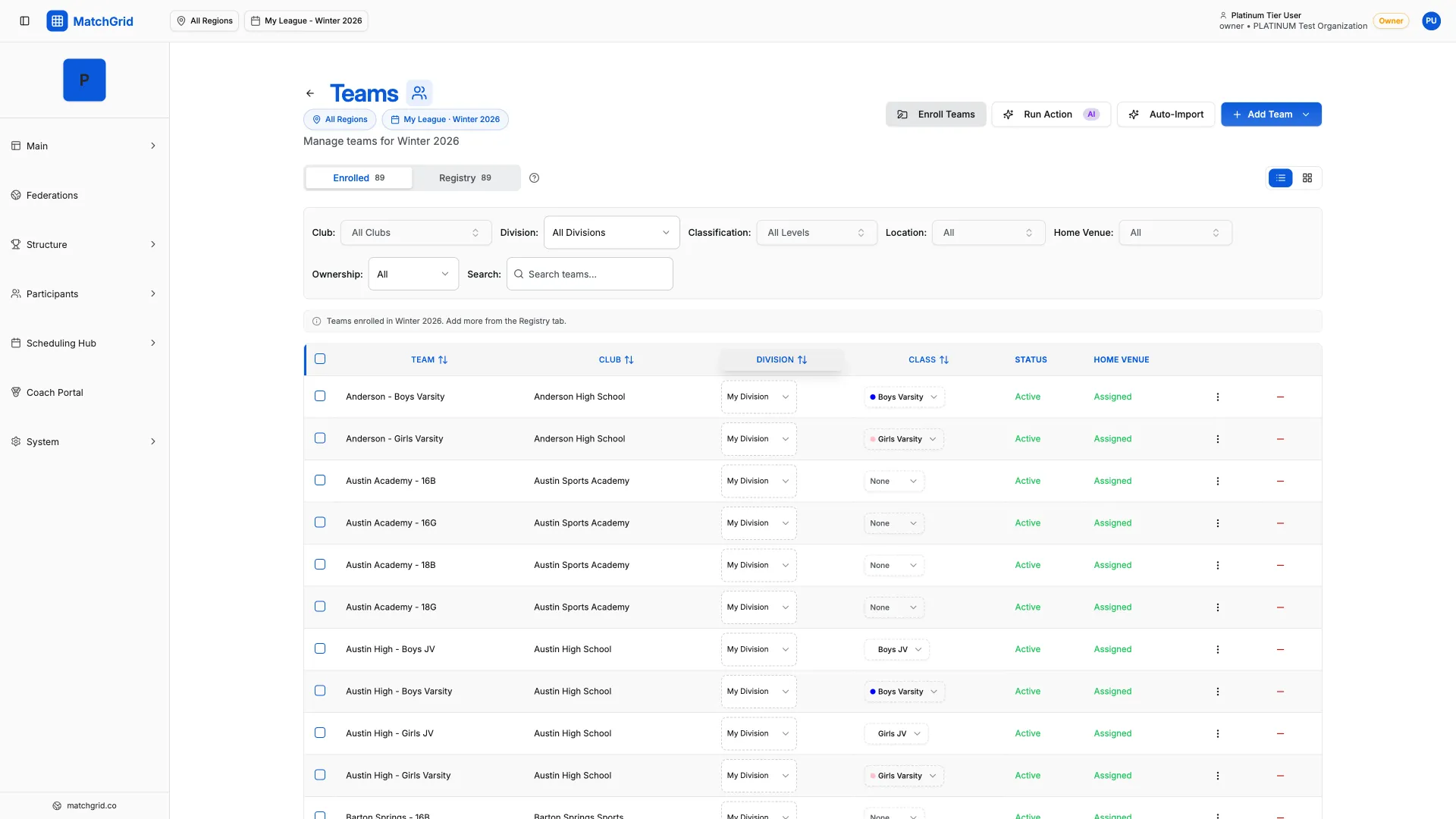
Match Plan Override
In Availability & Preferences, you can set Match Plan Override:
- Use Season Default
- Home Games Only
- Away Games Only
- Each Opponent Once
- Home and Home
If the team doesn’t have a home facility, Home Games Only is disabled and the UI shows:
- “This team needs a home facility to use “Home Games Only""
Days and dates to avoid
Also in Availability & Preferences:
- Days to Avoid (Recurring): check days the team prefers NOT to play (warnings, not hard blocks)
- Blackout Dates to Avoid: pick specific dates. The button shows Select dates (or Add/Remove dates after you’ve picked some).
Existing hard blackouts
If the team already has hard blackouts, you’ll see an Existing Hard Blackouts section (with an edit pencil on each row).